



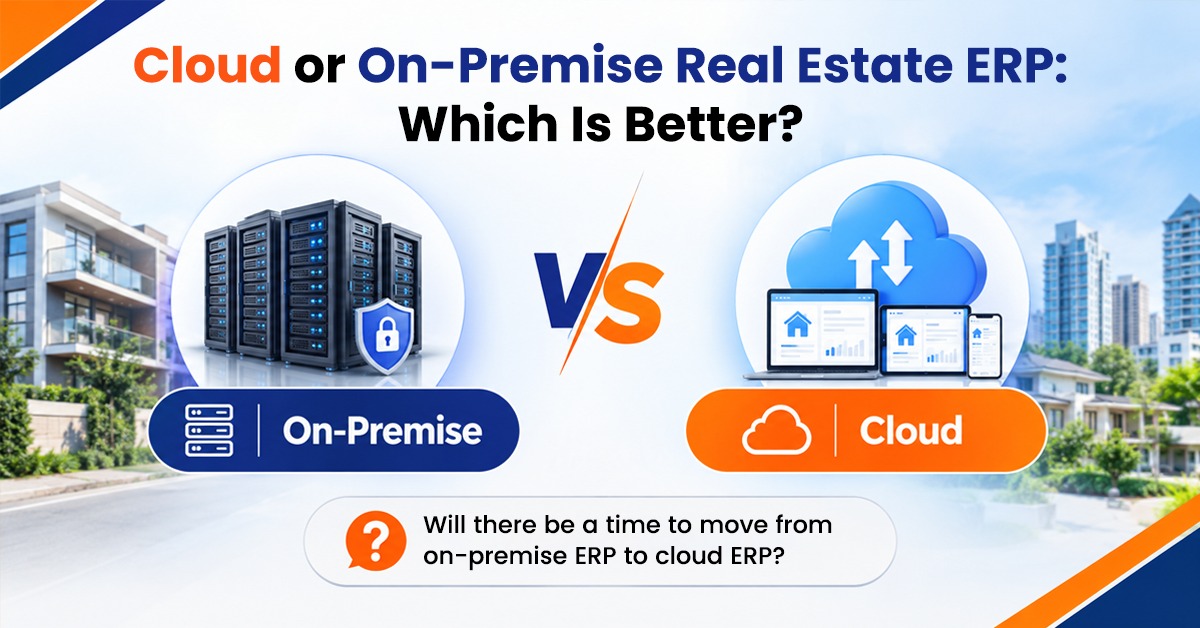
Selecting an ERP for your real estate business is just 50% of the equation. The other half is figuring out where it’s going to reside. Cloud ERP is hosted on the vendor’s secure servers and is available via the internet. On-premise ERP: Your own servers, within your office. They can both be successful, but it all depends on the size, budget, team composition, and long-term plans.
What Is Cloud ERP?
Cloud ERP is a cloud-based application, and is managed by the vendor. You sign in via a web browser or mobile app, the vendor takes care of servers, updates, backups, and security. The majority of the providers will charge a subscription per month, per year based on the number of users or modules.
On-Premise ERP Explained.
On-premise ERP is software that’s installed on your own server machines, which you own and maintain. Your IT team is in charge of the hardware, software updates, backups, and security. Typically, these require a significant initial investment in licenses and infrastructure, as well as ongoing annual support and maintenance costs.
Key Differences
Cost
Cloud ERP will have lower initial costs as you don’t purchase servers or create infrastructure. Expenses are known and are calculated over a period of time. On-premise ERP requires a higher upfront cost in hardware, licensing, and implementation, but might have a higher return on investment over the long haul for companies that already have robust IT capabilities.
Accessibility
Real estate teams operate from multiple offices, locations, and client engagements. Cloud ERP provides agents, managers and accountants access to data from anywhere, any time, and on any device. On-premise systems are usually only accessible from the office network, or require configuring secure remote access (which is an additional cost and complexity).
Implementation Speed
Cloud ERP can be implemented quicker, as there is no hardware to install. On premise projects require more time as the servers have to be acquired, set up and tested prior to deployment of the software.
Maintenance and Updates
Cloud:
The vendor takes care of updates, patches, and backups automatically. With on-premises, you’ll need to have your own IT personnel who can perform these tasks. If your team is small, the risks could be encountered due to missed updates or failed backups.
Security and Control
On-premises provides complete control of the data and who can physically access it, which is attractive to companies with strict internal policies. Cloud vendors are deeply committed to security, encryption, and backup, and are likely to have a more robust security program than a small company on its own. But it is crucial to check the security of your data and where it is stored.
Customization
The traditional approach to on-premise systems is for greater customization. There are many cloud ERPs that offer some pretty robust configuration options, but there are some that might be restricted or require additional fees for specific changes. Inquire of vendors what can be adapted in your workflow.
The reliability and dependence on the Internet.
To use Cloud ERP, you need to have internet access. Without a stable connection work may stall or cease. On-premise systems can continue to function without Internet connectivity but can still experience downtime due to server issues and/or power outages.
What Business Option is Right for You?
Consider cloud ERP when:
- You’re a small or medium agency or developer
- You have a team that operates from several locations (sites).
- Lower initial investment and installation costs, and need to get up and running fast.
- You’re not equipped with a dedicated IT team.
On-premise ERP is for you when:
- You have a robust in-house IT team and server structure.
- You need to have data control requirements for your company.
- You must have a lot of custom development.
- The internet is slow/unstable.
When selecting a vendor, make sure you ask these questions:
When you’re considering deciding, inquire about the total cost over the next three to five years, who owns the data (and the implications for that), how often the data is backed up, the uptime promises, support hours, upgrade policies, and the ability to move from one model to another later. Demos with sample data available.
Final Thoughts
No single winner, but rather a focus on everyone. The flexibility, speed, and cost-savings of cloud ERP make it well-suited for most expanding real estate businesses. For companies with the resources to manage an on-premise ERP system, there is control and the ability to customize. Look at the true long-term costs, take into account your team and select the one that will facilitate your operations and future expansion.
FAQs
1. What is the value of adopting cloud ERP in real estate?
Yes, if the vendor uses encryption, role-based access, regular backups, and secure data centers. Never sign without confirming the security practices.
2. Does on-premise ERP end up costing less in the long term?
It could be many years – but only if you already have IT staff and infrastructure. Do not forget to factor in hardware, maintenance, and upgrade costs.
3. Will there be a time to move from on-premise ERP to cloud ERP?
Typically yes, but migration is a process that needs planning, data cleaning, and testing. Inquire from your vendor about migration support and the cost.
4. Which option would be better for a small real estate agency?
Generally, cloud ERP is better: it’s much more cost-effective, easy to set up and does not require any server administration.
5. Can cloud ERP be used offline?
No. Cloud ERP requires an internet connection to operate, so a strong internet connection or back-up internet connection is essential for a seamless day-to-day operation.